
Vase mode
Vase mode, explained in one pot.
Vase mode is the prettiest trick in FDM printing: the slicer turns your model into one continuous single-wall spiral. The nozzle never stops or retracts, it just climbs, so the print comes out fast, quiet, light and without a seam. Slicers call it spiralize or spiral vase.
The catch is that vase mode is picky about geometry. It traces exactly one outer contour per layer, so the model has to be a single closed body whose every horizontal slice is one loop. A second island on any layer, a handle, or stray internal geometry breaks the spiral and the slicer falls back or fails.
Turning it on
- Cura: Special Modes → Spiralize Outer Contour.
- PrusaSlicer: Print Settings → Layers and perimeters → Spiral vase.
- Bambu Studio / OrcaSlicer: Others → Special mode → Spiral vase.
Set a bottom thickness so the pot has a floor, pick a layer height, and the slicer handles the rest. Wall count and infill stop mattering; there is only the one wall.
What it rewards
Continuous surfaces
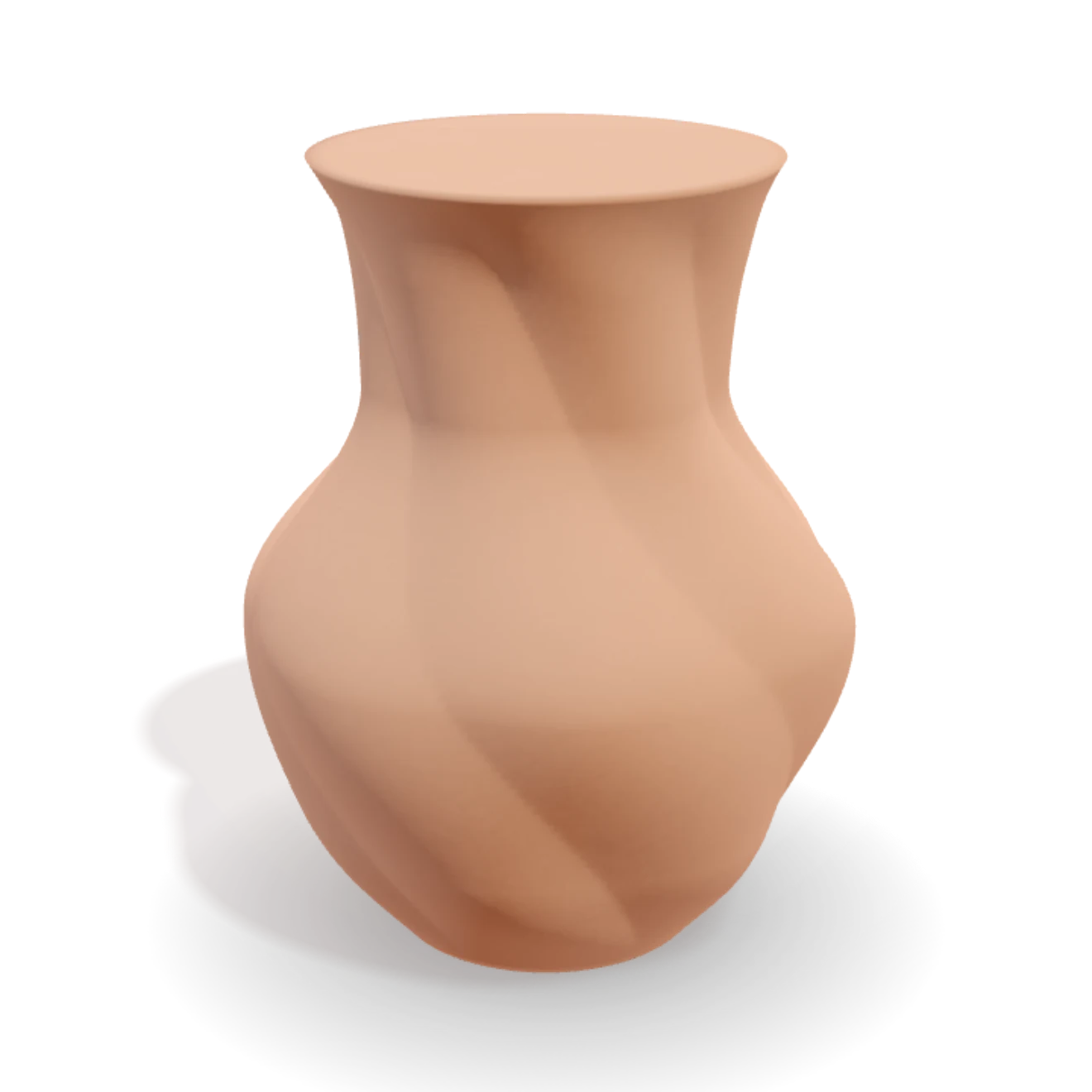
Twists, flutes, ribs and waves read beautifully as a spiral wall, because the geometry itself becomes the decoration. Fine, shallow detail survives; deep overhung relief may not.
One clean silhouette
The profile is the whole print. A slack curve you would forgive on a solid piece is all you see on a single wall, so the form has to stand on its own.
A watertight source model
Spiralize wants a single closed solid. VASE 3D exports exactly that, watertight by construction, so the same file spirals in vase mode or prints solid with infill.
A single wall holds a shape, not necessarily water. Depending on material and layer bonding it can seep, so treat vase-mode prints as decorative by default: print a wider single wall, seal the inside, or drop a liner in for fresh flowers. When the piece has to be a working vessel, print the same file solid instead. The design does not change, only the slicer settings do.
Designing for the spiral
Because vase mode shows every millimetre of the profile, it pairs naturally with a parametric workflow: pull the silhouette until it stands, stack a twist or flute that the spiral will carry, and export. The full walkthrough takes you from blank wheel to sliced file, and every export from the vase generator is vase-mode-ready by construction.
Common questions
What is vase mode in 3D printing?
A slicer mode that prints a model as one continuous single-wall spiral. The nozzle never stops or retracts; it climbs steadily while tracing the outer contour, so the print is fast and quiet, carries no seam, and uses very little material. Cura calls it Spiralize Outer Contour; PrusaSlicer and Bambu Studio call it Spiral vase.
Does any STL work in vase mode?
No. Vase mode traces one outer contour per layer, so the model must be a single closed body whose every horizontal slice is one loop. Multiple islands, handles or internal geometry break the spiral. VASE 3D exports are single watertight solids by construction, which is exactly the shape spiralize wants.
Will a vase-mode vase hold water?
Treat a single wall as decorative by default: depending on material and layer bonding it can seep. Many makers print with a wider single wall, seal the inside, or drop a glass or plastic liner in for fresh flowers. For a working vessel you can also print the same VASE 3D file solid instead.